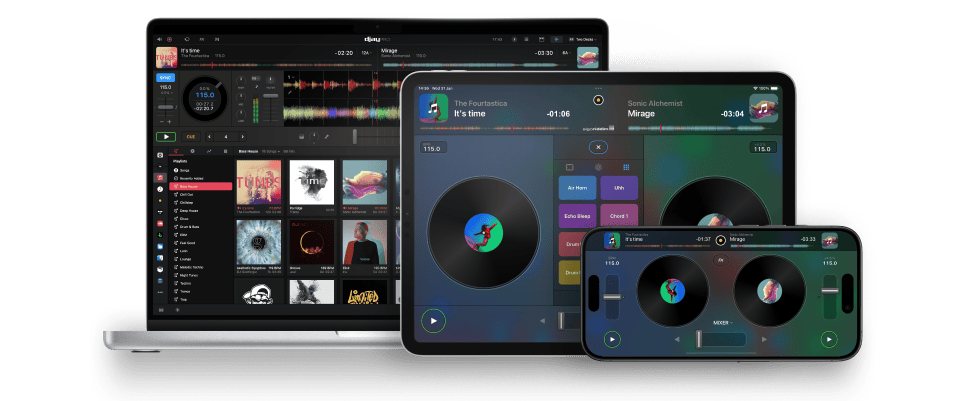
Now with Apple Music Integration
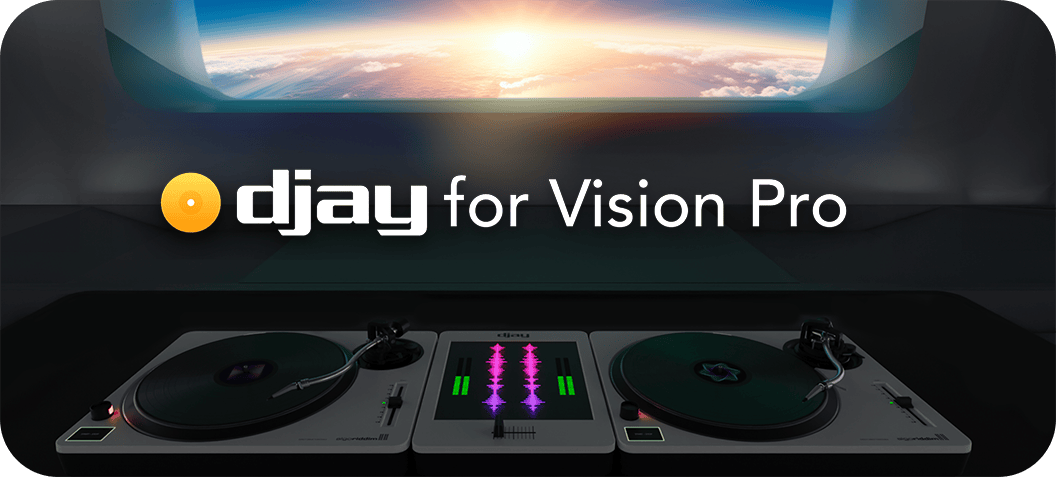
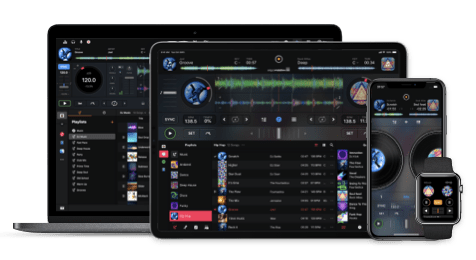
djay is an award-winning DJ software, seamlessly integrated with Apple Music. Mix your favorite music or enable Automix mode to let djay create a seamless mix for you automatically. Whether you are a DJ or a beginner who just loves to play with music, djay offers you the most intuitive yet powerful DJ experience on mobile, desktop, and spatial devices.
Apple Music integration in djay is available in 167 countries - across all platforms - bringing unparalleled music access to djay users around the world. Connect your Apple Music account directly within djay for immediate access to a catalog of over 100 million songs, including your personal library in the cloud.
djay provides a complete DJ software for all DJs. The DJ software seamlessly integrates with your music library, giving you instant access to millions of tracks. You can perform live, record mixes on-the-go, or enable Automix mode. djay is the perfect DJ software for casual and mobile DJs, while djay Pro is a DJ software designed for professional DJs.
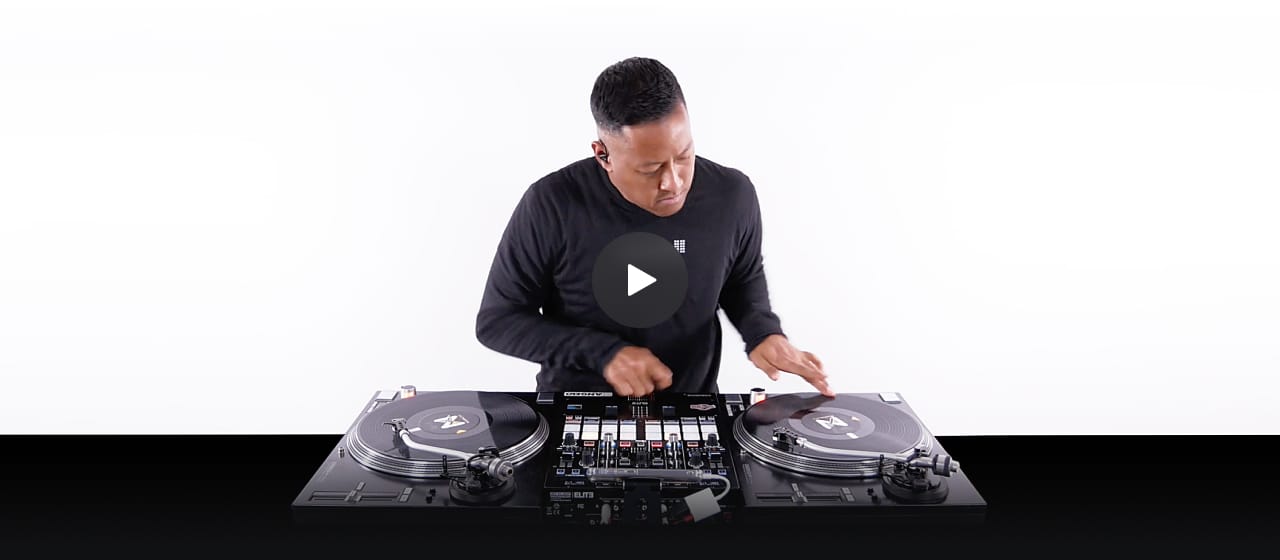
Welcome to the new era of DJing - control djay on your iPhone, iPad, Mac or Windows with professional turntables and mixers. You can now take the stage - anywhere, anytime - using your ultra portable iOS device as the brains of the DJ booth.
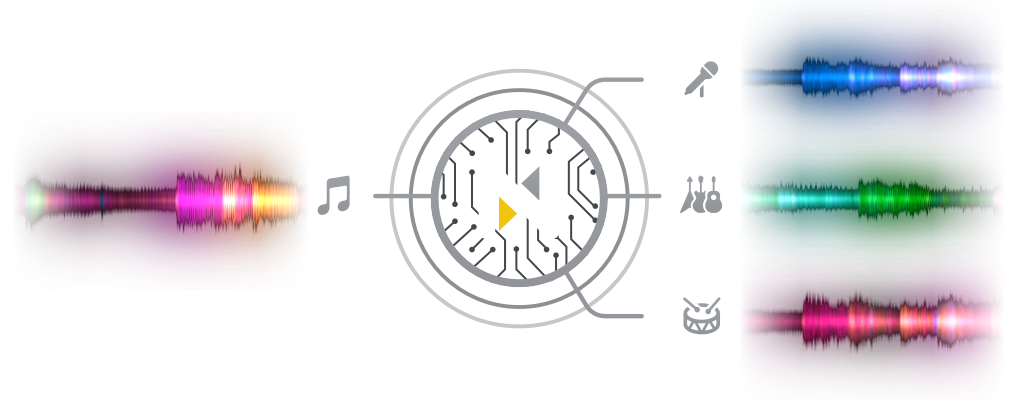
djay Pro introduces Algoriddim’s revolutionary Neural Mix™ technology allowing DJs to play and remix singular elements from multiple tracks in real-time. Instantly isolate beats, instruments, and vocals of any song based on cutting-edge AI.

Isolate beats, instruments, and vocals in real-time. Extract the instrumental and acappella of any song for use in your favorite music production or DJ software.
for Mac
Apple
djay Pro for Mac + iPad
Google Play
djay 2 for Android
DJ Mag
djay 2 for iPad
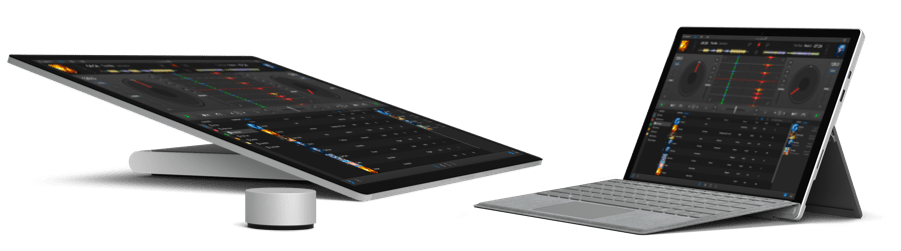
Cue Points
Looping
Desktop-class Effects
Up to 4 Decks
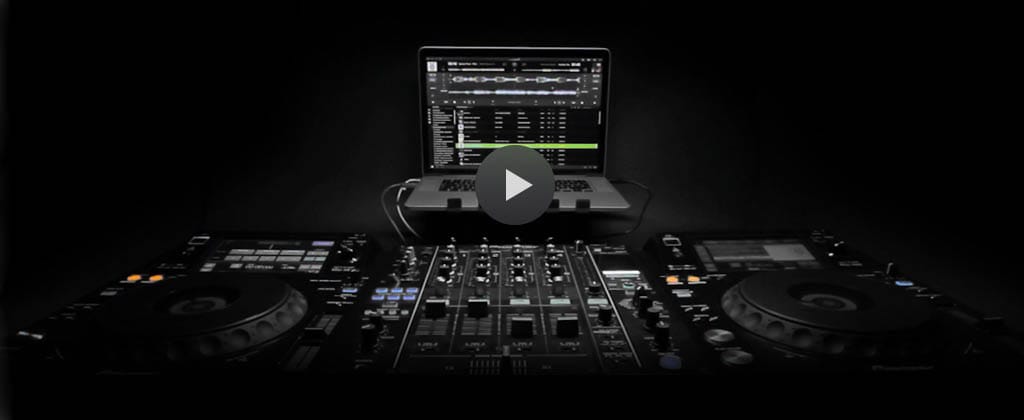
Algoriddim teamed up with the most talented DJs to teach you the art of mixing music. Phil, founder of Digital DJ Tips, the biggest DJ training website in the world, has written a best-selling iBook about DJing with djay on iOS. In a online video course Emma from School of Scratch teaches you how to scratch with a DJ controller. DJ Hapa is the National Brand Director of Scratch DJ Academy. Scratch has taught over 500,000 aspiring DJs and producers worldwide and in a video series Hapa shares his knowledge with you. All our courses are free, so start learning today.






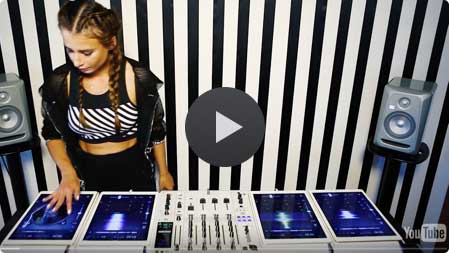
Juicy M is a electro and progressive house DJ and producer. She’s the first artist to perform with four iPads and djay.
See all ambassadors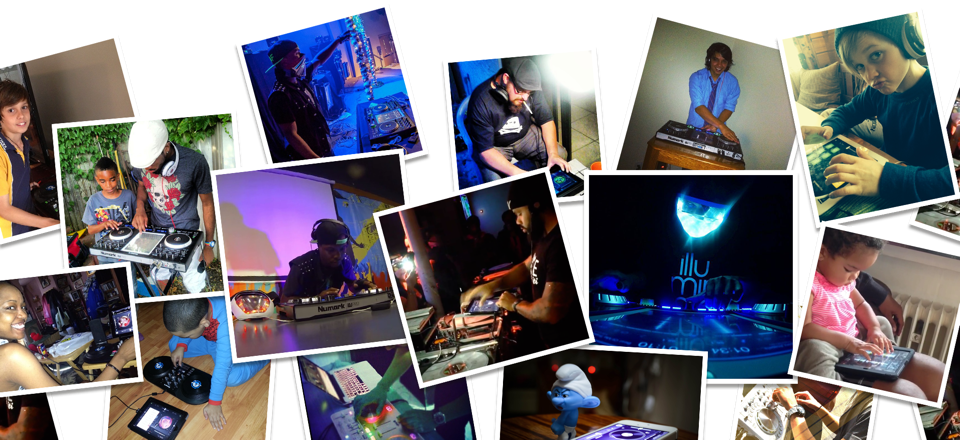
Sign up for our newsletter
I would like to read about the latest and greatest on the djay product line by Algoriddim. If I should change my mind, I can unsubscribe at any time. Further information can be found in the privacy policy.